Separate the shelf from the archive
The first decision is not technical. Look at your inventory and split it into two piles: things you could replace and things you could not. Shop-bought DVDs, Blu-rays and digital purchases belong in the first pile. Your own wedding video, a school play or a grandparent's interview belongs in the second, and lives in the family footage archive, not alongside the blockbusters.
Keeping these apart matters because they need different treatment. A movie library is about browsing: artwork, genres, watch lists and a pleasant evening. A family archive is about preservation: multiple copies, checksums and careful notes. Mixing them means either over-protecting films or under-protecting memories.
Name every film the same way
The single most useful habit is a consistent name: the title as it appears on the poster, followed by the release year in round brackets. The year separates remakes and films that share a title, and it is what media software uses to match the right poster and description.
Movies/
├── Arrival (2016)/
│   ├── Arrival (2016).mkv
│   └── Arrival (2016).en.srt
├── Blade Runner (1982)/
│   └── Blade Runner (1982) {edition-Final Cut}.mkv
├── Little Women (1994)/
└── Little Women (2019)/
A few practical rules keep this pattern tidy:
- Use the original title or the one your household actually says; just be consistent.
- Replace characters that some systems reject, such as colons and slashes, with a hyphen or nothing.
- Keep subtitle files next to the film with the same name plus a language code, such as
.en.srt. - Mark special editions inside the filename rather than creating a second folder for the same film.
If a film is hard to match, adding its identifier from The Movie Database (TMDb) or IMDb to the folder name removes the guesswork. Jellyfin and Plex both document a syntax for this in their naming guides.
Keep physical discs in step
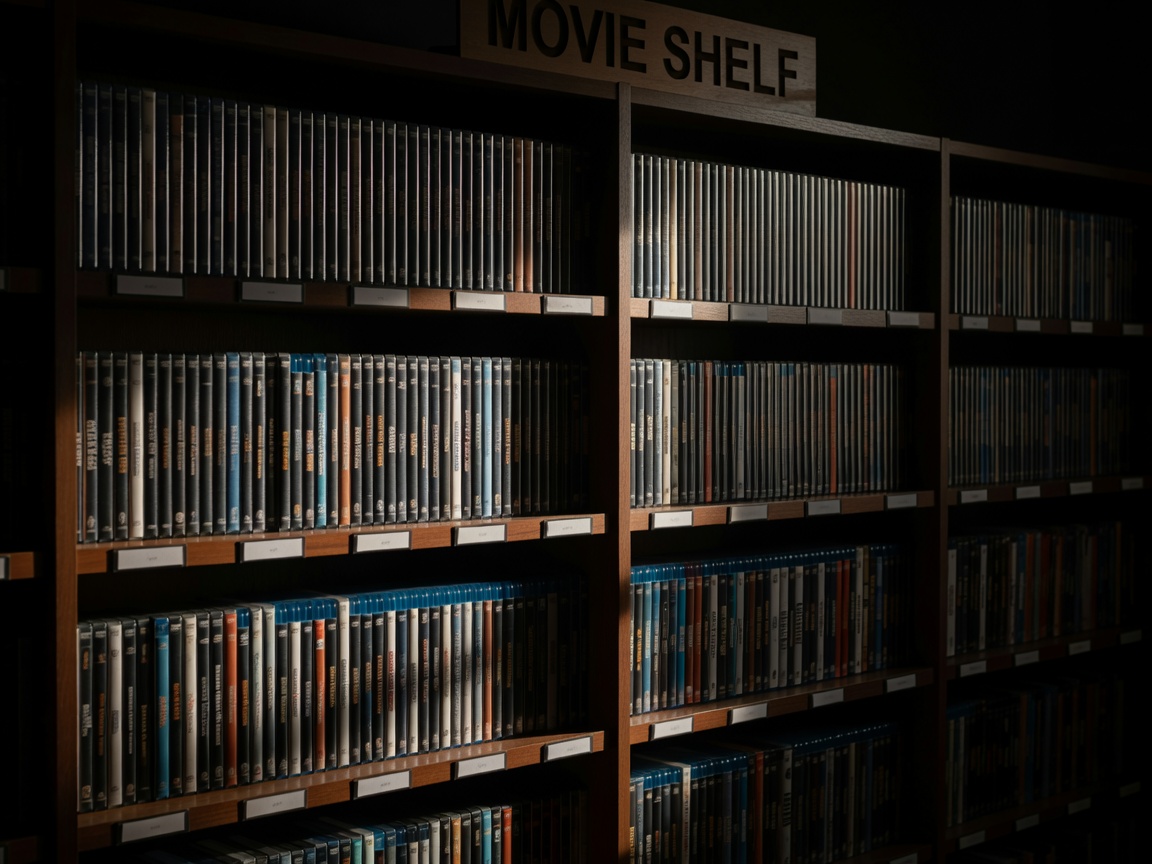
Many households keep the discs even after making a digital copy. Shelve them alphabetically by the same title you used in the folder name, ignoring leading articles such as "The". Put a small printed label on the spine edge of box sets so they can be found without pulling every case. A simple spreadsheet listing title, year, format and shelf position is enough for most collections and survives any software change.
A note on copying discs. Whether you may make a personal copy of a disc you own depends on the law where you live, and some discs use copy protection that is legally protected even where personal copying is allowed. Check your local rules before using tools such as MakeMKV or HandBrake.
Choose files you can still open later
For films you digitise yourself, the Matroska container (.mkv) keeps the video, several audio tracks and subtitles in one file and plays on nearly every media player. MP4 with H.264 video is the most universally compatible choice for phones and older televisions. Newer codecs such as H.265 and AV1 save space but may force your server to convert the video on the fly for some devices, which needs more processing power.
Make it pleasant to browse
Once files are named consistently, a media server does the decorative work. Plex, Jellyfin, Emby and Kodi read the folder names, fetch artwork and descriptions, and let you group films into collections such as a trilogy or a director's work. Useful touches include:
- A separate library or profile for children, filtered by age rating.
- Collections for series of films so sequels appear in order.
- A short "Tonight" playlist that anyone in the house can add to.
None of this requires a dedicated server. A laptop or small network storage box can run Jellyfin or Plex for a single television; see plan storage that lasts before buying hardware.
Back up in proportion
Because purchased films can usually be re-acquired, many households keep one copy of the movie library plus the original discs, and spend their off-site backup space on photographs and family video instead. If re-ripping hundreds of discs would cost you weeks, a second local drive is a reasonable compromise. Whatever you choose, write it in the README at the top of the Movies folder so nobody assumes the films are protected when they are not.