Triage before you digitise
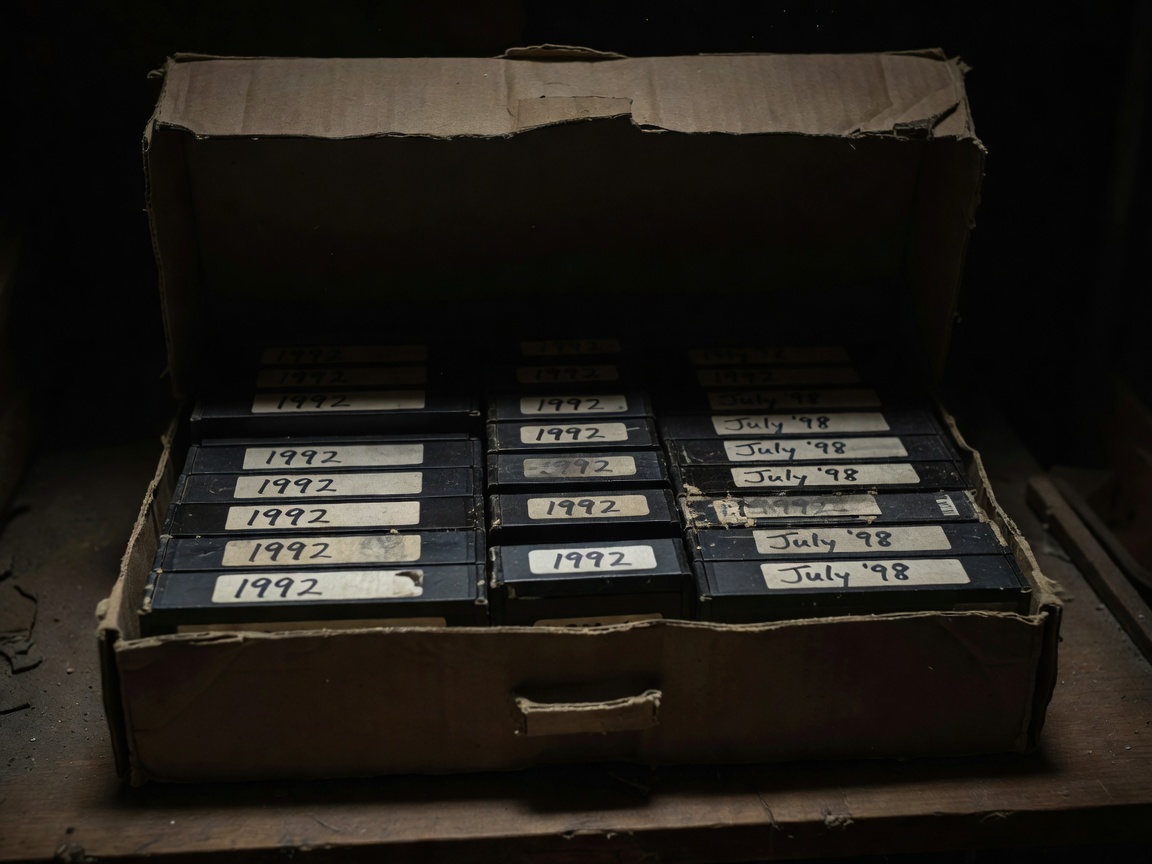
Gather every tape, card and old phone into one place and sort by format: VHS and VHS-C, Video8 and Hi8, MiniDV, DVD camcorder discs, memory cards and phone footage. Magnetic tape loses quality as it ages, and the machines that play it are becoming harder to find and repair. That makes analogue tapes the first priority, followed by MiniDV, followed by anything already digital but stored in only one place.
Within each format, start with tapes whose labels suggest unrepeatable moments: births, weddings, voices of relatives no longer with you. If a tape smells musty, shows white specks of mould or has visibly damaged tape, do not play it. A damaged tape can foul a player's heads and spread to the next cassette; a professional transfer service is safer for those.
Choosing how to capture
There are three common routes. A professional transfer service handles mixed formats and damaged tapes but costs more per hour of footage. A do-it-yourself setup with a working player and a capture device gives you control but takes time. MiniDV is a special case: because the tape already holds digital video, a camera with a FireWire port can copy it across without any quality loss.
Whichever route you choose, ask for or create two versions of every tape.
| Version | Purpose | Typical format |
|---|---|---|
| Master | Kept untouched as the best possible capture | Lossless (FFV1 in MKV) or high-bitrate original DV |
| Viewing copy | Trimmed, split into clips, shared and streamed | MP4 with H.264 video and AAC audio |
Memory institutions such as the Library of Congress publish recommended format statements for moving images, and their preference for open, well-documented formats is a good guide for households too. You can always make a new viewing copy from a good master; you cannot recover detail from a heavily compressed file.
Name clips by date, then subject
Dates written year first sort correctly in every operating system. Follow the date with a short, plain description so the folder reads like a catalogue.
Family Video/
├── _Masters/
│   └── Tape-014 VHS 1994-1996.mkv
├── 1995/
│   ├── 1995-06-11 Sophie first steps.mp4
│   └── 1995-12-25 Christmas at Nan's.mp4
├── 2012/
│   └── 2012-07-28 Sports day.mp4
└── README.txt
When you only know the year, write 1995-00-00 or simply 1995; an honest gap is better than a guessed date. Number your physical tapes and keep that number in the master's filename so you can always trace a clip back to its source.
Write down what nobody will remember
Names of people, places and occasions fade quickly. Keep a plain-text or spreadsheet log alongside the footage recording the tape number, dates covered, who appears and anything notable. Many players and tools can also store a title and description inside the file, but a separate log survives software changes and can be read by anyone.
Back up the irreplaceable properly
Use the 3-2-1 rule: three copies, on at least two kinds of storage, with one kept away from home. For family video that often means the working copy on a computer or network storage, a second external drive, and either a cloud backup or a drive kept at a relative's house and swapped every few months.
- Create checksums (for example with a tool that writes SHA-256 values) so you can later prove the files are unchanged.
- Test by restoring a random clip from each backup at least twice a year.
- Keep the original tapes, labelled and stored upright somewhere cool and dry, even after digitising.
Optical options such as M-DISC Blu-ray are marketed for long life and can make a sensible extra off-site copy for small collections, but they still need readers in future and should not be the only copy. For sizing these copies, see plan storage that lasts.
Today's footage is tomorrow's archive
Recent phone videos feel safe because they are "in the cloud", but sync is not backup: deleting on one device can delete everywhere. Export your phone video into the same dated structure once a season, then let your normal backup protect it.